Documentation/The app/Modes and games
Only the game through the tunnel. Or the other way around
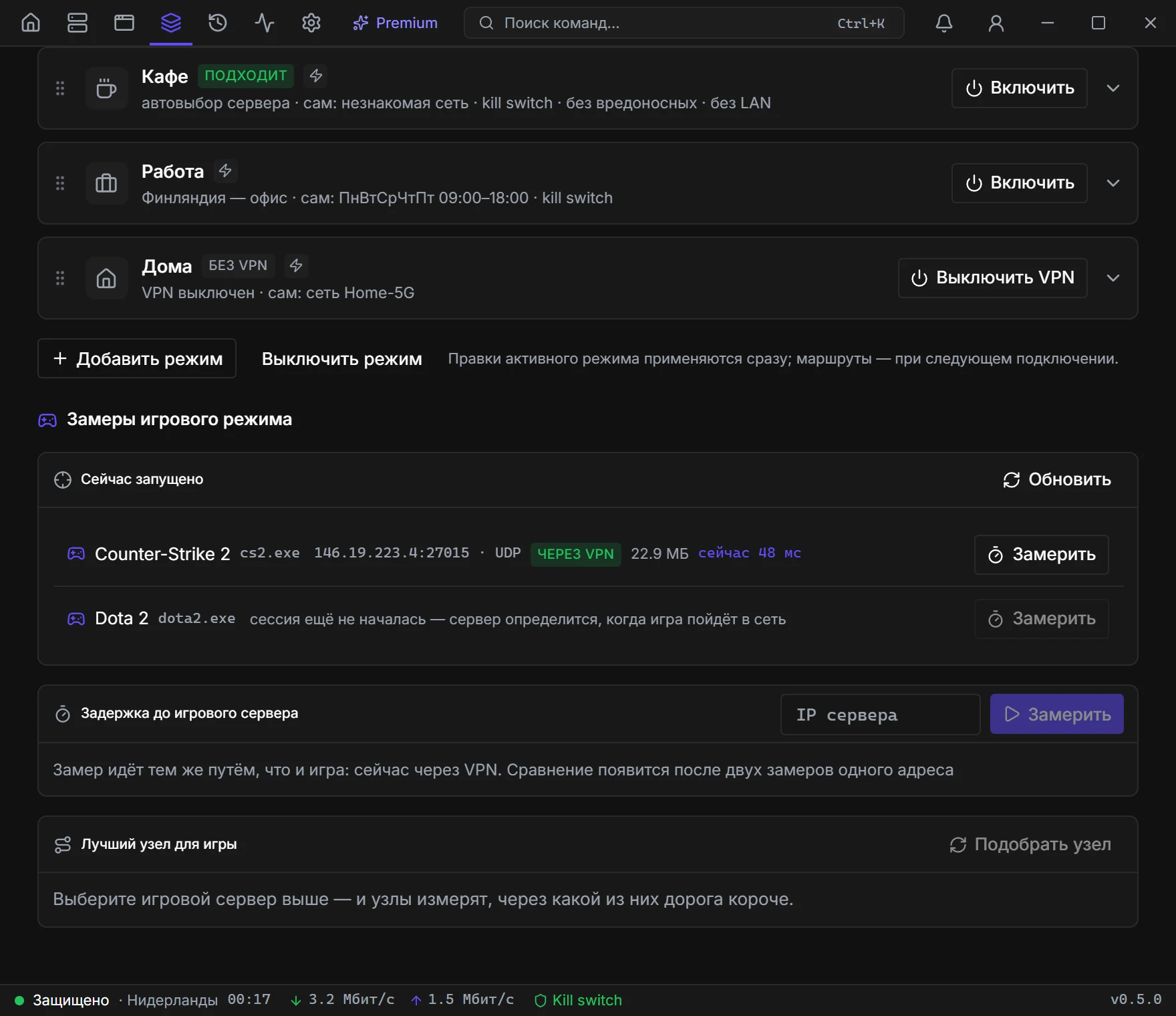
The «Games» mode on the Modes page — not the same as the profile rules in Apps & sites. The mode knows twenty-plus games by name; add yours by .exe.
- 01
Turn the mode on
Modes page, the «Games» card, the «Turn on» button. Under another mode the game travels with the rest of the traffic.
- 02
Pick the direction
“Game through VPN” when the ISP ruins the path to the match server. “Game direct” when the tunnel adds latency and everything else should stay protected.
- 03
Check the measurement
The app measures latency to the match server with and without the VPN. If the node is worse — switch to direct or another country. In Premium the nodes measure the path to the match themselves.
What else to turn on
Launchers off the VPN
Steam, Epic, Battle.net download updates directly and do not fill the pipe during a match. Almost always the right call.
Low-latency protocol
Turns off multiplexing and UDP-over-TCP for proxy protocols. On Veli, small game packets get through even with packet loss, and the connection never drops mid-match.
Mini window
This is not an in-game overlay — it is a separate window from Settings → Mini window. While the mode is tracking a match, the speed chart is replaced by ping to the game server. The same number is on Home.
Which games are already on the list
Counter-Strike 2, Dota 2, Valorant, Apex Legends, Fortnite, PUBG, GTA Online, Rust, Escape from Tarkov, League of Legends, Overwatch 2, Destiny 2, World of Tanks, War Thunder, Warframe, Deadlock, Marvel Rivals, Path of Exile, Genshin Impact, Roblox, Call of Duty, Minecraft. Add yours with Add your game — the .exe name.
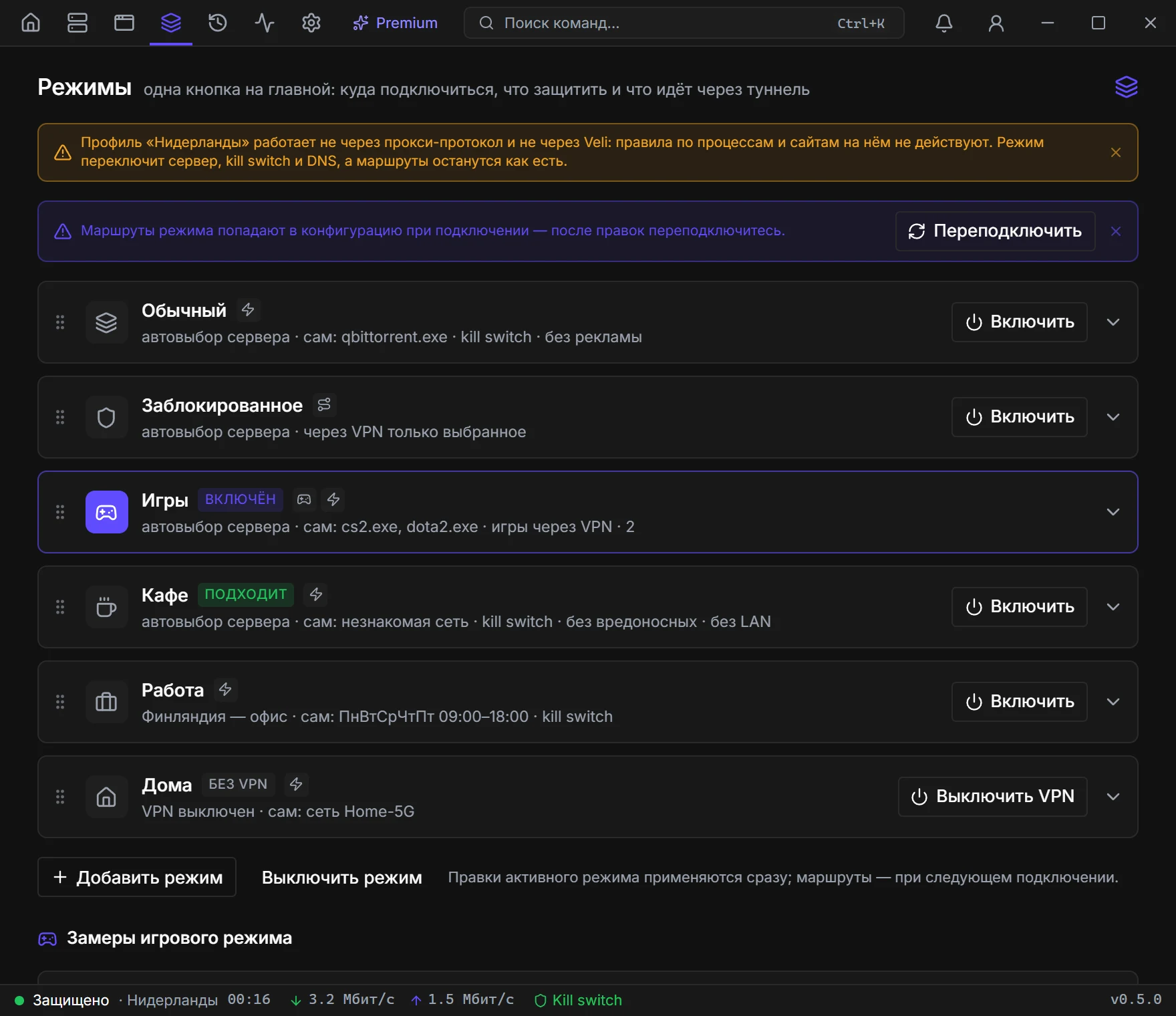
Latency measurement
Running now
Every five seconds the app looks for known processes. You see the name, match-server IP:port, the route “direct” / “through VPN”, live latency, and a Measure button.
Manual
A Server IP field if autodetection did not find an address. Measure / Stop. Numbers: median (p50), worst 5% (p95), jitter, loss. VPN vs direct is written out in text.
Best node for the game
Premium only: Pick a node measures the path to the node and from the node to the match server. The table has countries and a Connect button.
What matters
- Game-mode rules are also for VLESS, VMess, Trojan, Shadowsocks, Hysteria2, TUIC and Veli. On plain WireGuard/OpenVPN the direction switch will not work.
- After changing direction or the game list you need Reconnect if the tunnel is already up.
- Launchers (Steam, Epic, Battle.net and others on the list) download off the tunnel only when that toggle is on.