Documentation/Help/Diagnostics
Here first, then support
The Diagnostics page gathers what chats usually ask for. The report is copied without keys, passwords, or server addresses.
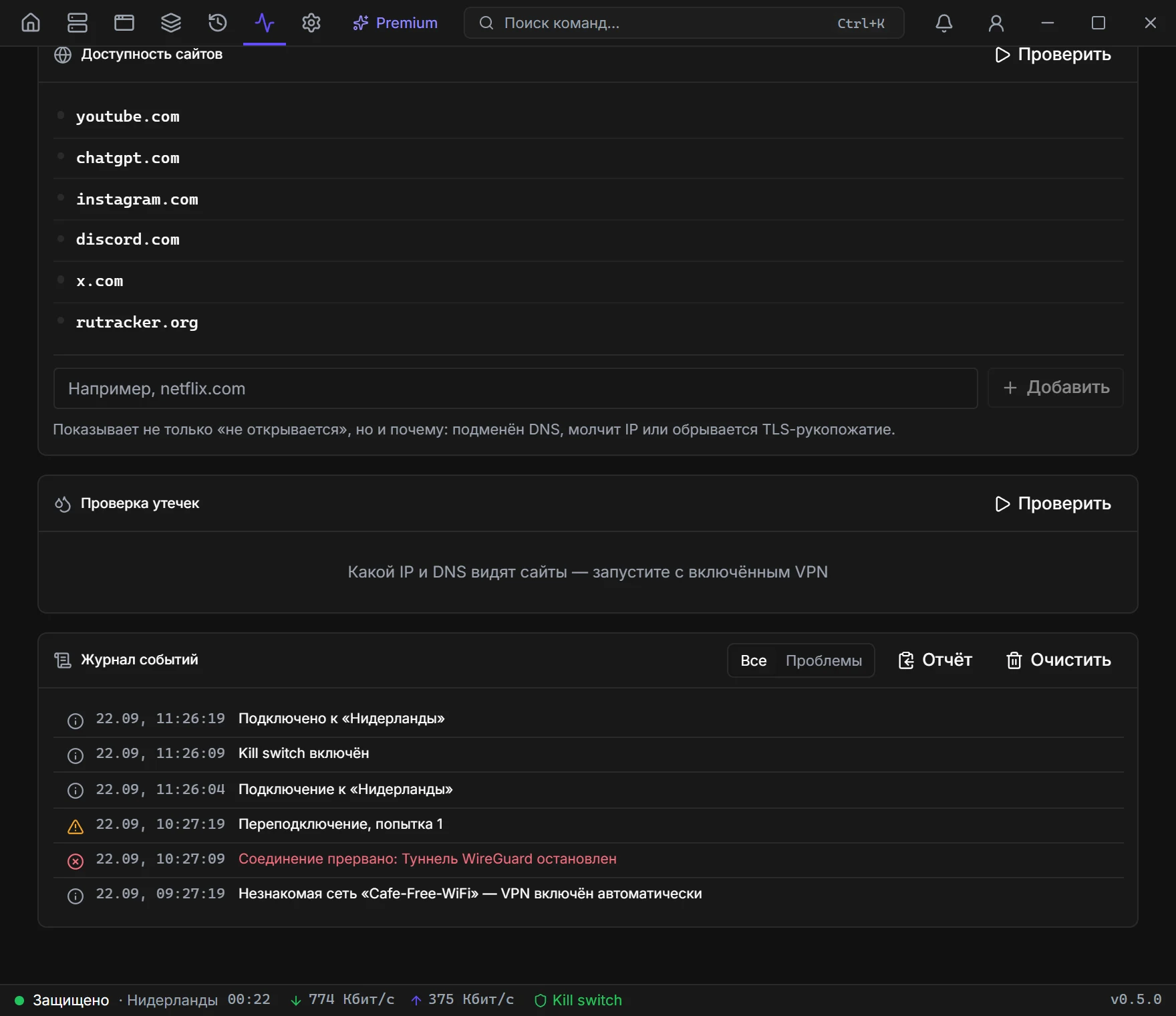
Network check
Is the node alive, does DNS resolve, does the tunnel answer. It runs on status change and with Check. Red lines first.
DNS and IPv6 leaks
Which IP and which resolver a site actually sees. IPv6 often bypasses the tunnel if it was not closed. The test only makes sense on a green status.
Speed test
Latency, download, and upload via speed.cloudflare.com, about 20 seconds. Run it twice: with VPN and without — the app computes how much the tunnel “ate”.
Log and report
One line per press of Connect: whether and how fast it connected, drops and how long it was offline, a move to a neighbouring server, traffic and how it ended. On a drop the app checks at once whose fault it was — your network, the server or something on the way — and suggests what to do. A failure keeps the tunnel's log. On top: the current connection and a week's summary by server; filters for Problems, server and protocol. The log is kept for 30 days and can be saved as text. The Report has: version, OS, administrator rights, client paths, status, kill switch, profiles by number, the latest connections and 100 events. No keys, passwords, or hosts — profile names become numbers, addresses are hidden.
Network check rows
Name resolution (DNS), Ping 1.1.1.1, Internet access (HTTPS), VPN server. ICMP to the node is often closed — a red ping to the server by itself does not mean the tunnel is dead.
Test history
Past tests mark a run “with VPN” and “without VPN”. Compare a pair, not a single measurement: night and day on the same node differ too.