Documentation/The app/Settings
What to turn on first
Most toggles are not hidden. Below are the ones that otherwise turn into “the internet is gone” or “it disconnected itself”.
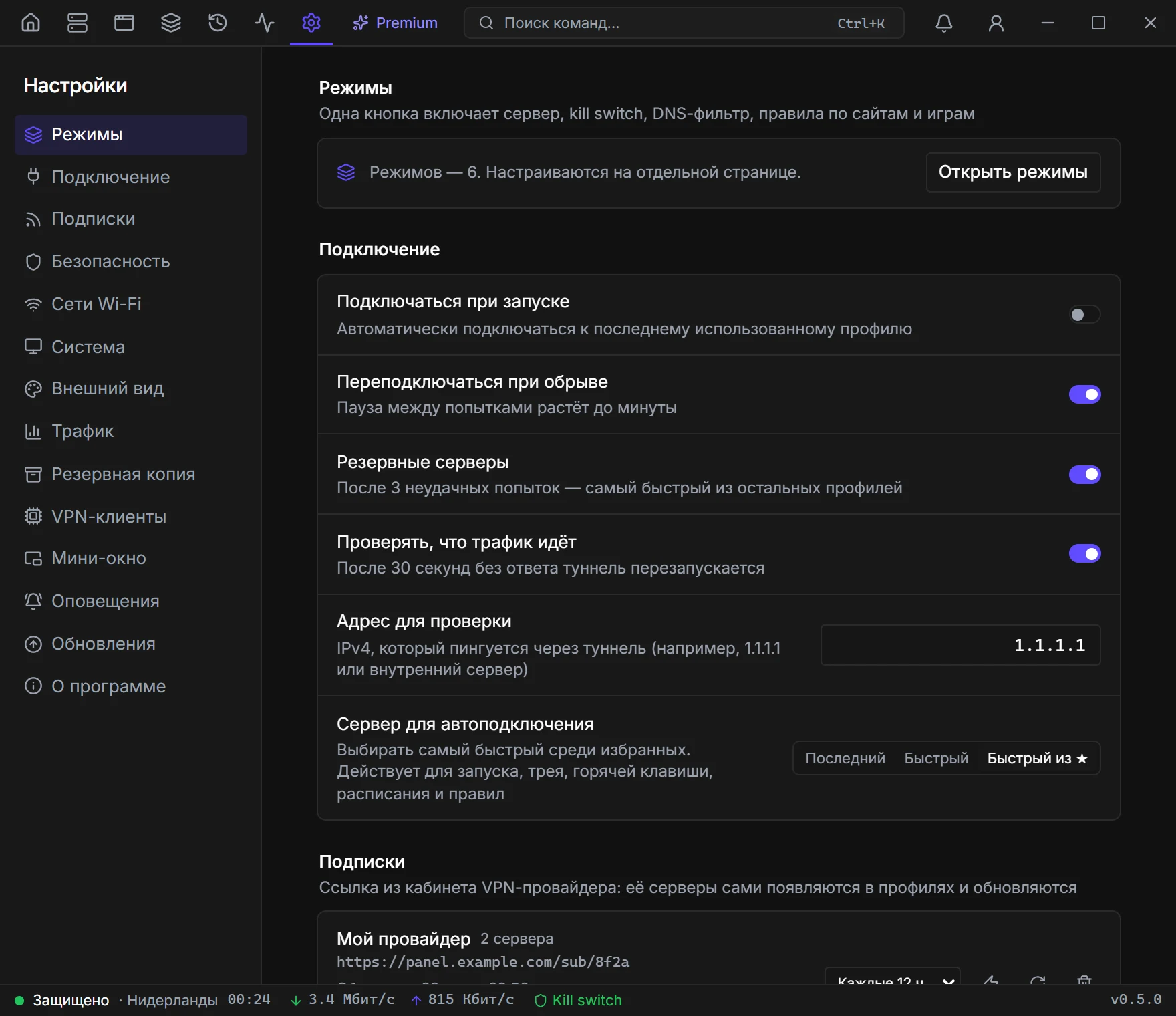
Modes
One button on Home turns on a server, kill switch, DNS filter, and LAN access. Work, Café, Movies — different sets. Edit them in Settings, switch them from Home.
Connection
Autoconnect to the last profile, reconnect with a backoff up to a minute, backup servers after three failures, and a “is traffic flowing” check every 30 seconds.
Wi-Fi networks
Connect on a public network and disconnect at home. The app sees the current network — you can add it to the list in one click.
Automation
Mode triggers: “switch this mode on while that .exe runs”, “in an unknown network”, “weekdays 9 to 18”. They live in the mode card, not in settings.
System
A global hotkey (works from the tray), start with Windows without another UAC prompt, minimize to tray instead of quitting, disconnect notifications.
Backup
A .vpnbak file, password at least eight characters. Inside: profiles, keys, saved logins, and settings. Import skips profiles that already exist. The “also restore settings” checkbox does not turn autostart or kill switch back on.
Appearance
Dark, light, or match the system. Hidden hints → Show again if you dismissed the onboarding cards.
Mini window
Opacity, always on top, the speed chart (during a match — game ping). You can reset its position and open or close it from Settings or the palette.
Alerts
Telegram (bot token and chat_id) or a webhook. Events: drop, traffic limit, connect. Check sends a test message.
Traffic
A monthly limit in GB and a “disconnect VPN when exhausted” toggle. The counter is on the same page.
VPN clients
Table: WireGuard, OpenVPN, AmneziaWG, proxy protocols and Xray. On the right — whether you have administrator rights, and a Relaunch button. Without rights the label says the tunnel will not come up.
About
Version and Data folder → Open. Profiles and the key live there. Do not put that folder in cloud sync.