Documentation/Connecting/Your server
Your own VPN server in 15 minutes
Rent a server abroad, enter its address and password in the app — it does the rest on its own. You do not need Premium.
- 01
Rent a server
Take the cheapest VPS from any host in the Netherlands, Germany, or Finland, with Ubuntu 24.04 as the system. After payment the host sends you an IP address, the root login, and a password.
- 02
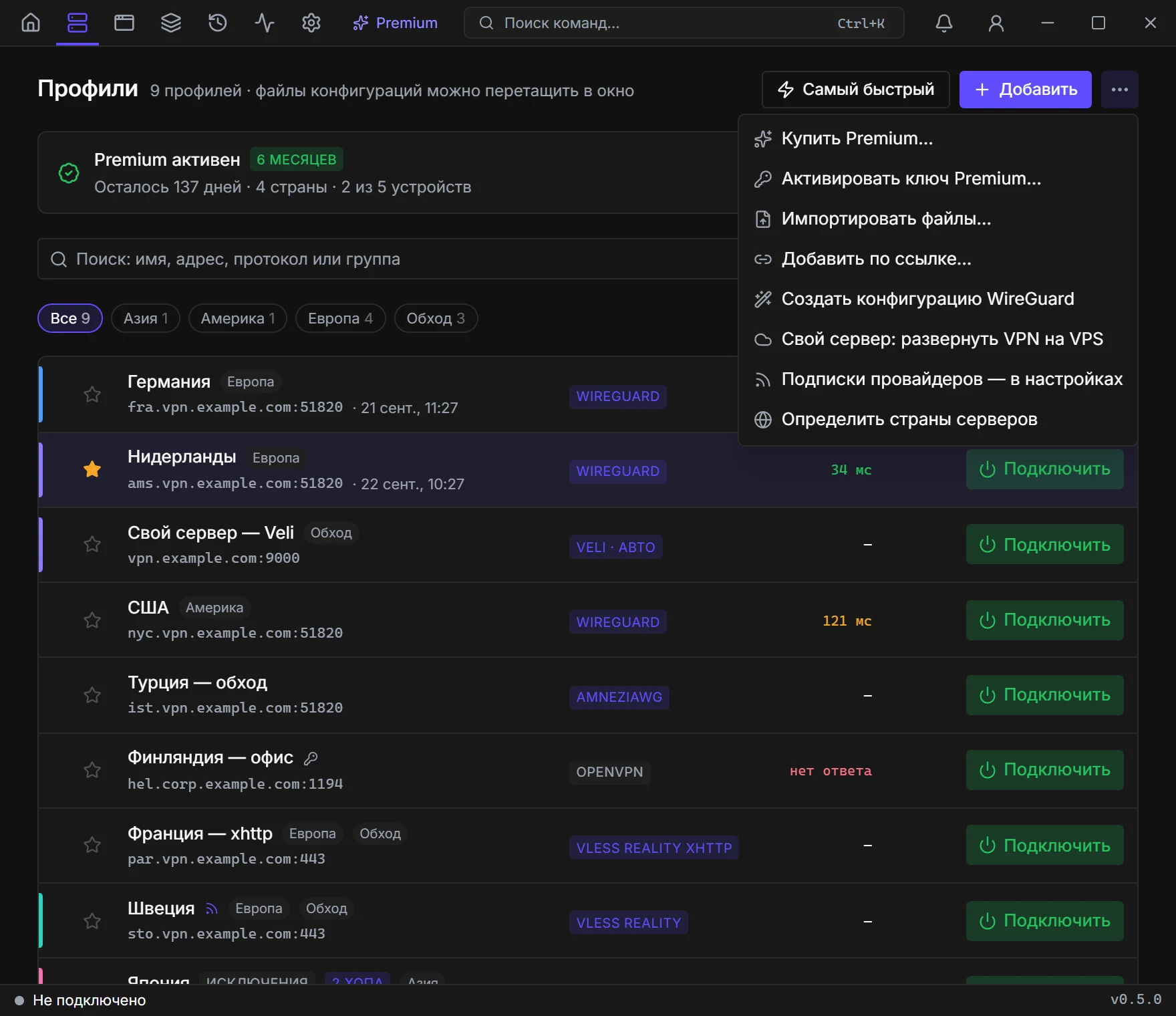
Open “Your servers”
Profiles → “⋯” → “Your server: deploy VPN on a VPS”. There, click “Add server”.
- 03
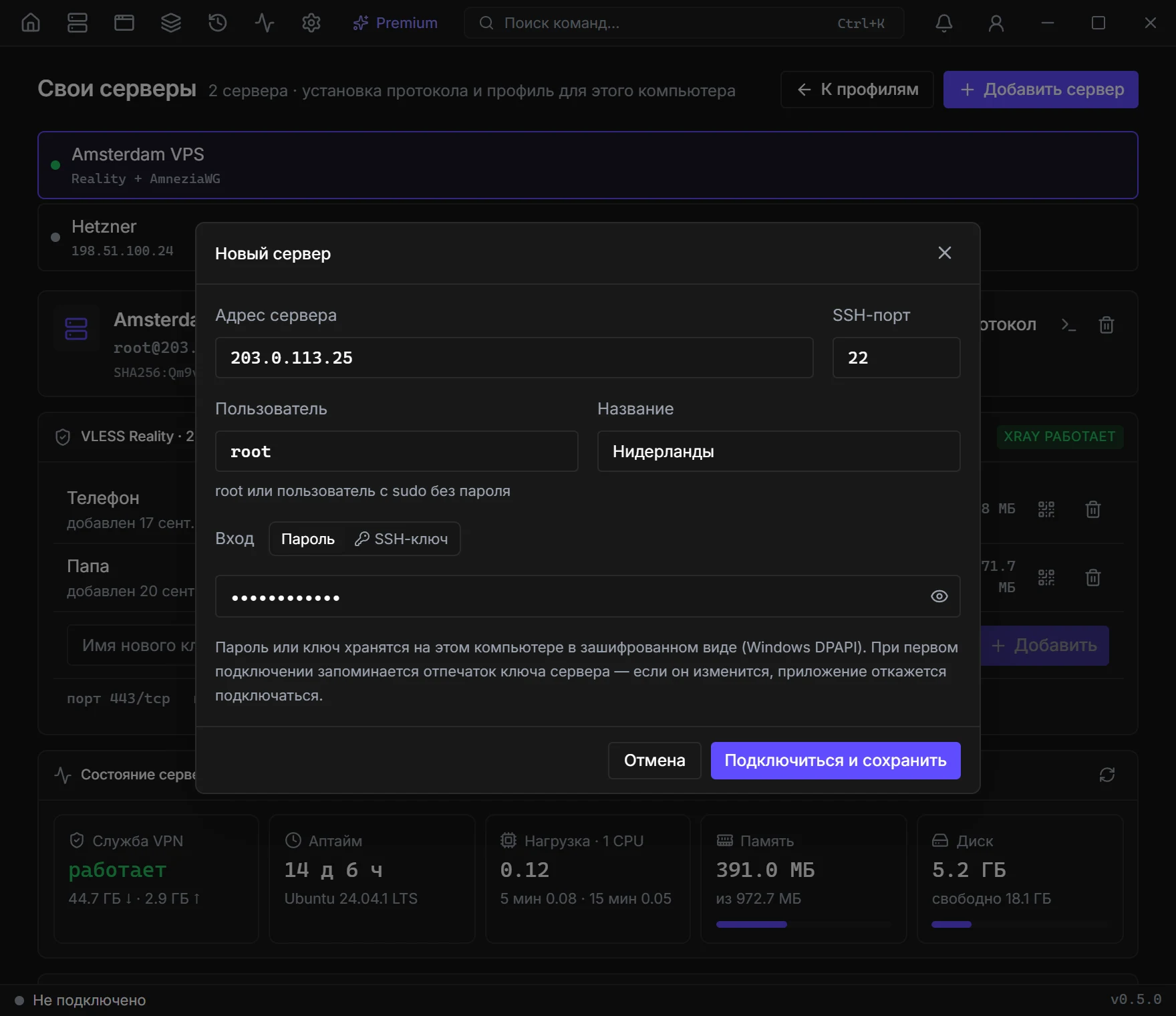
Enter the server details
The IP address and password from the host's email, user root, port 22. Click “Connect and save”.
- 04
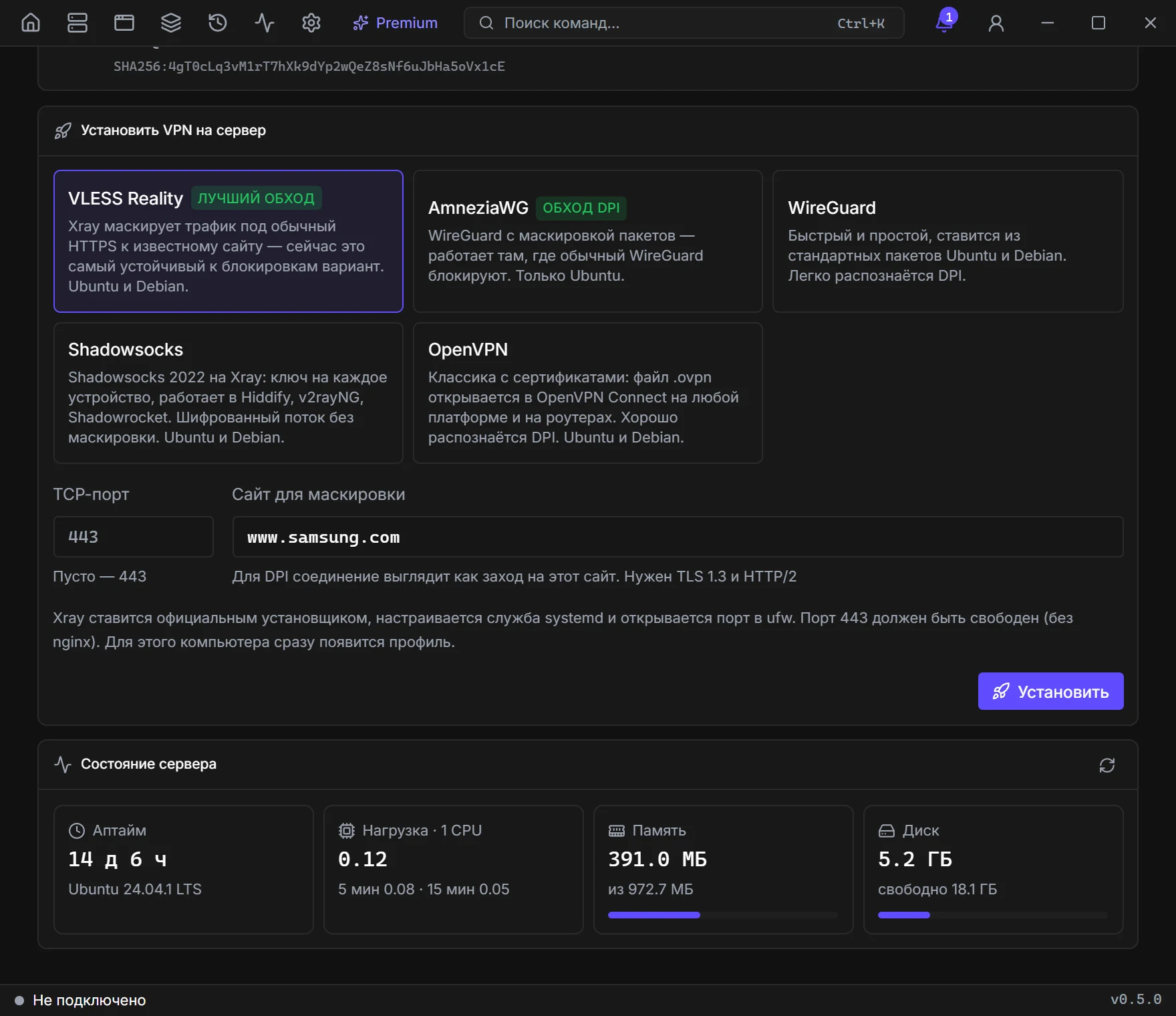
Choose a protocol
Keep VLESS Reality — it gets around blocks better than the rest. Leave the other fields as they are and click “Install”.
- 05
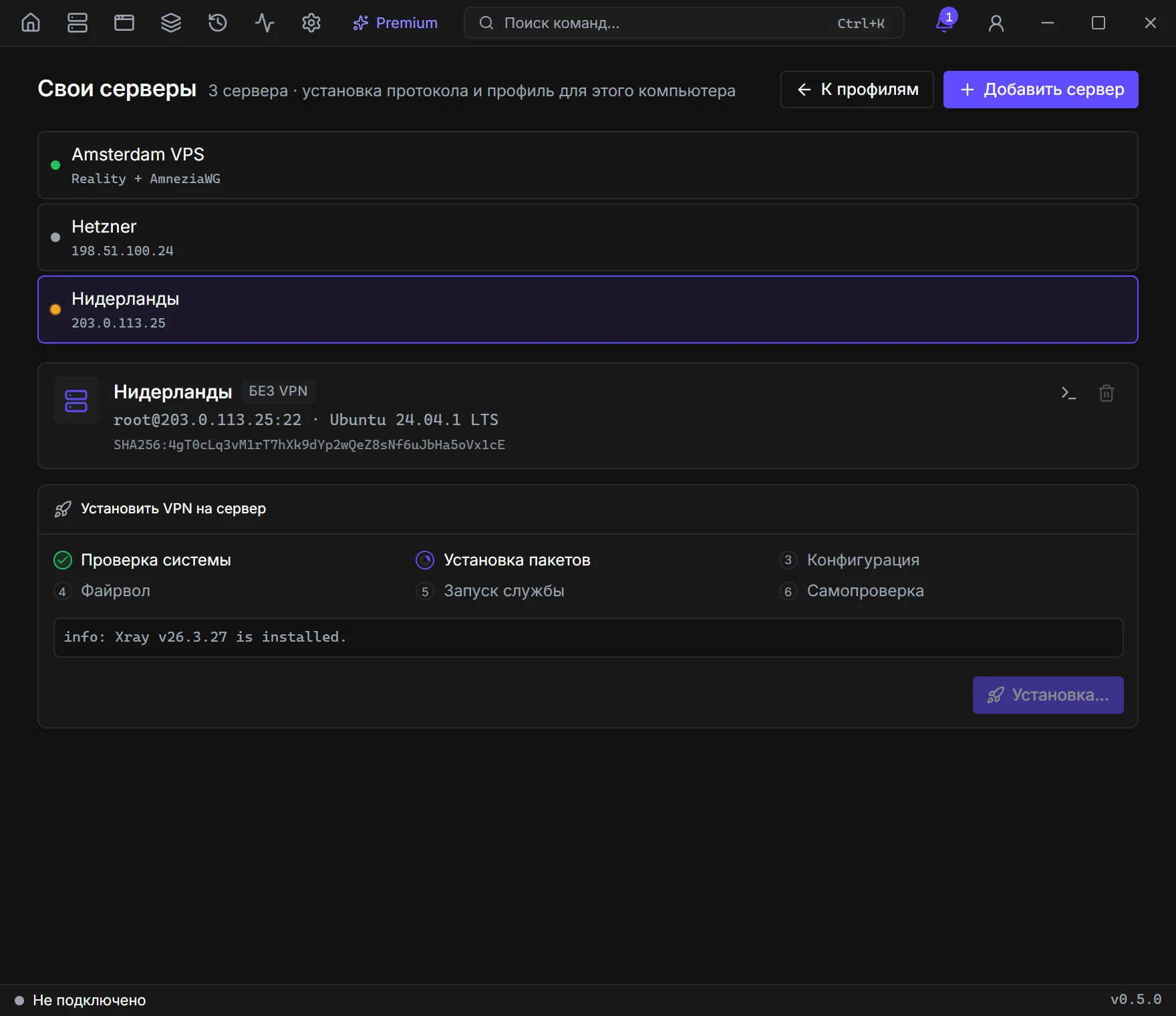
Wait for the installation
The app sets up the server on its own in a few minutes. Do not close the window until every step is ticked off.
- 06
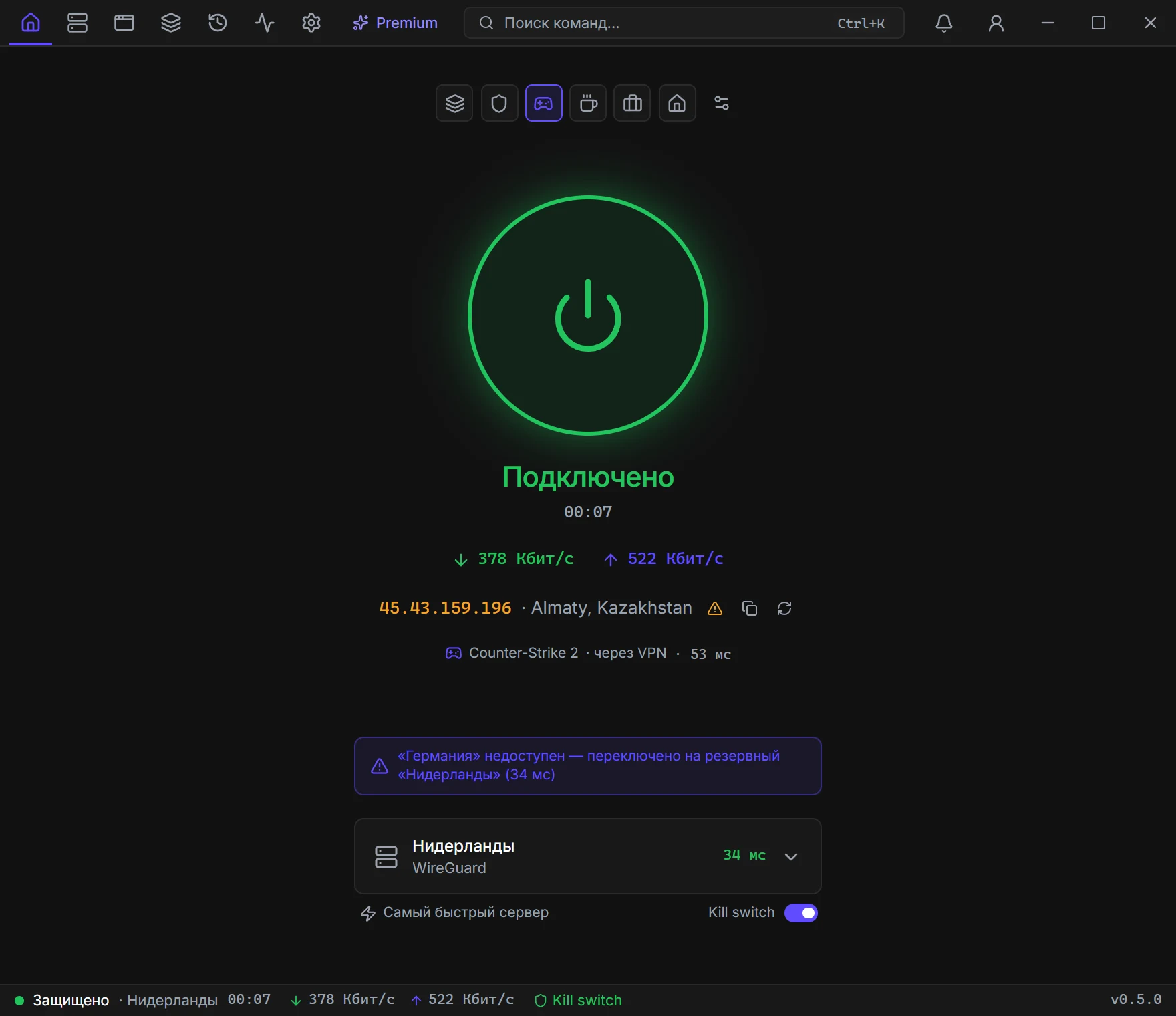
Connect
The server's profile appears in Profiles. Click “Connect” — done.
- 07
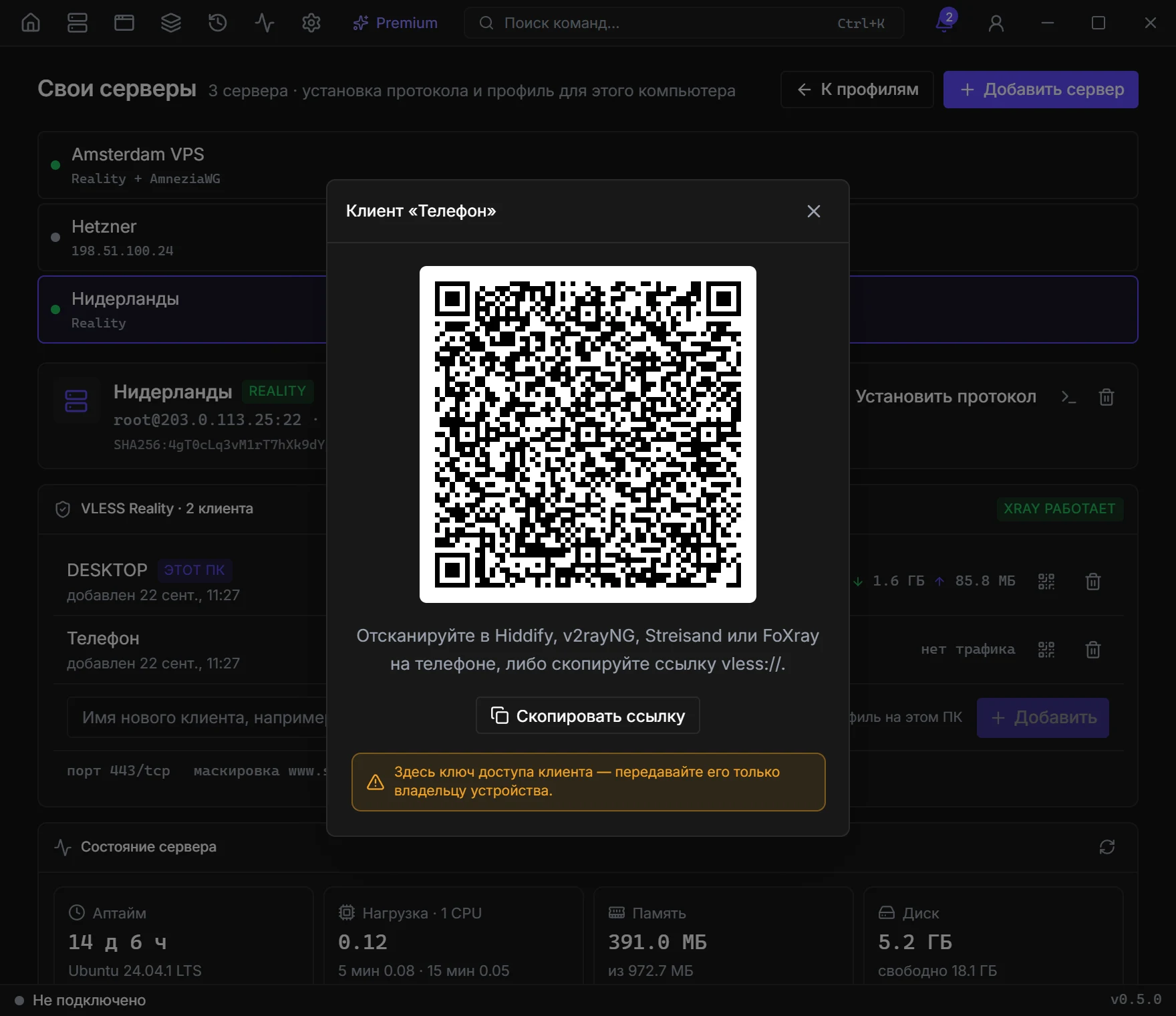
Connect your phone
Type a name, for example “Phone”, click “Add”, then the QR icon. Scan the code in Hiddify, v2rayNG, or Streisand.
If something did not work
The app cannot connect to the server
Check the IP address and make sure the server is on in the host's dashboard — after payment it sometimes takes a few minutes to start.
Wrong password
Copy the password with no spaces. Still failing? Reset the root password in the host's dashboard.
Installed, but the VPN does not work
If the host has a firewall in its dashboard, open port 443/TCP there. Still not working? Contact support from the app: Ctrl+K → “Contact support”.
Already have a server or a link?
There is nothing to deploy — just import it. It is better to add a subscription in Settings → Subscriptions; then the server list refreshes on its own.
WireGuard / AmneziaWG
A .conf file or [Interface] / [Peer] text. You can also build one from scratch: Profiles → more → Create a WireGuard config.
OpenVPN
An .ovpn file. For old configs that will not import anywhere else.
VLESS, VMess, Trojan, Shadowsocks
vless://, vmess://, trojan://, ss:// links — from the clipboard or a file. Reality and ws/grpc are taken from the query.
Hysteria2, TUIC, Outline
hysteria2:// and ssconf:// keys. For harsh mobile networks that cut UDP differently.
Your own Veli node
A veli:// link to a dedicated node. We send it once we've set up the node for you.