Android TV
Veli on the big screen
The same app as on your phone — on a TV or a set-top box. YouTube, series and sports through the VPN, all run with the remote.
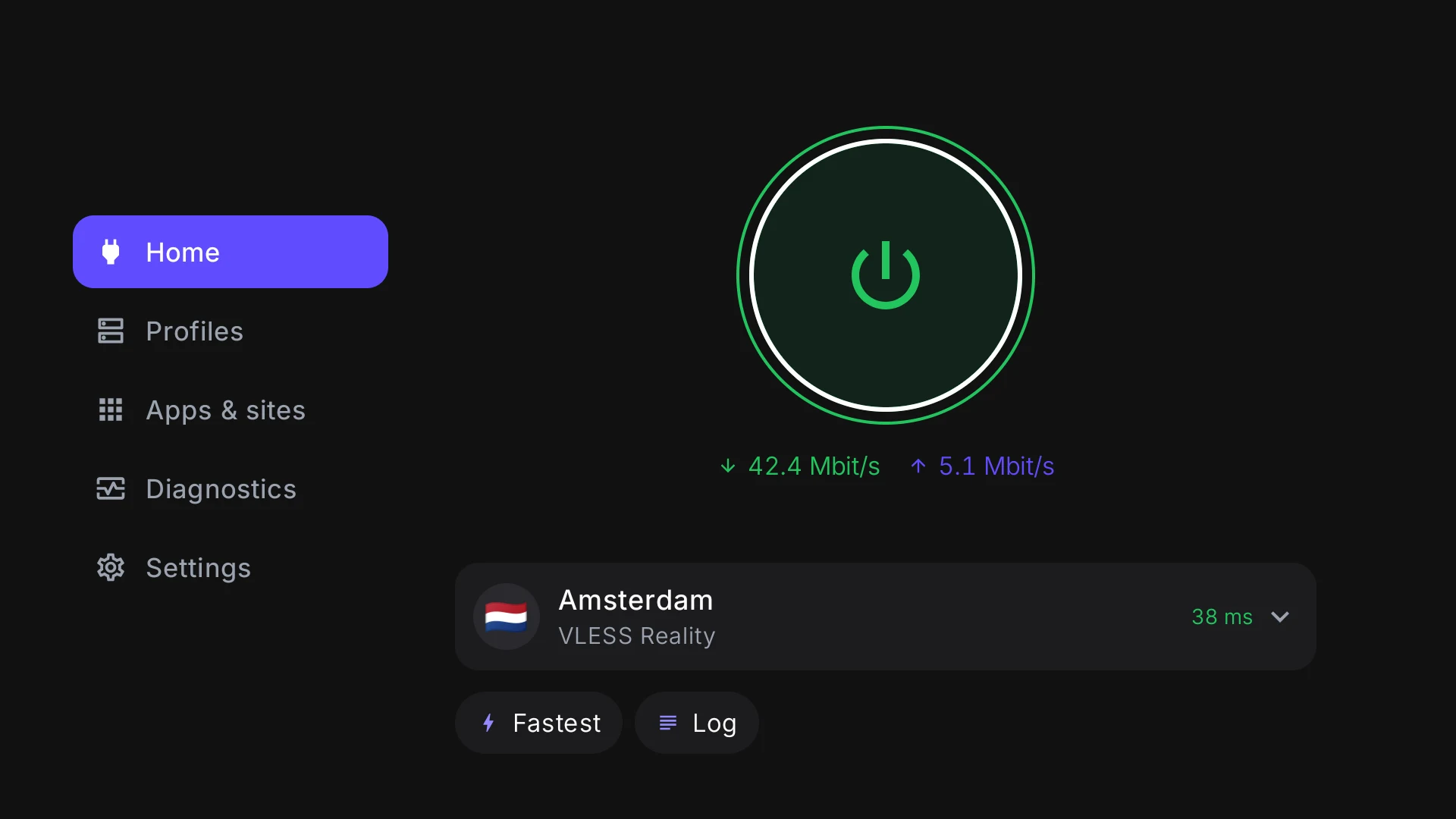
Just the remote
Arrows, “OK” and “Back” — no mouse or touch needed.
The link comes from your phone
A QR code on the screen — and the profile is on the TV in a minute.
TVs and set-top boxes
Android TV 8.0 or newer — the same app as on your phone.
On the screen
The same app, big
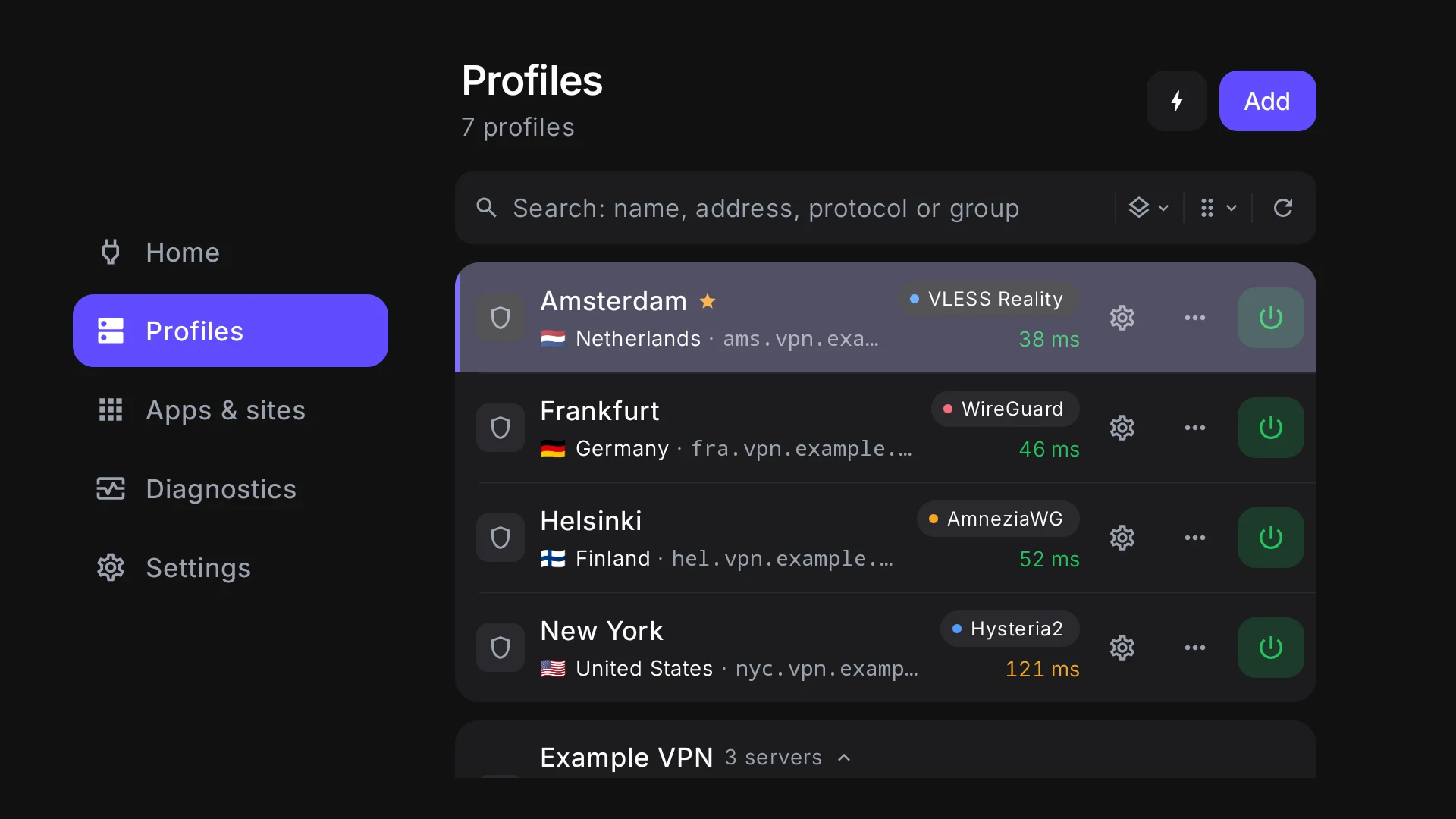
All your servers and subscriptions
The same profiles as on your phone: links, keys and your VPN service’s subscriptions. Reorder them with “Move up” and “Move down” in the row’s menu.
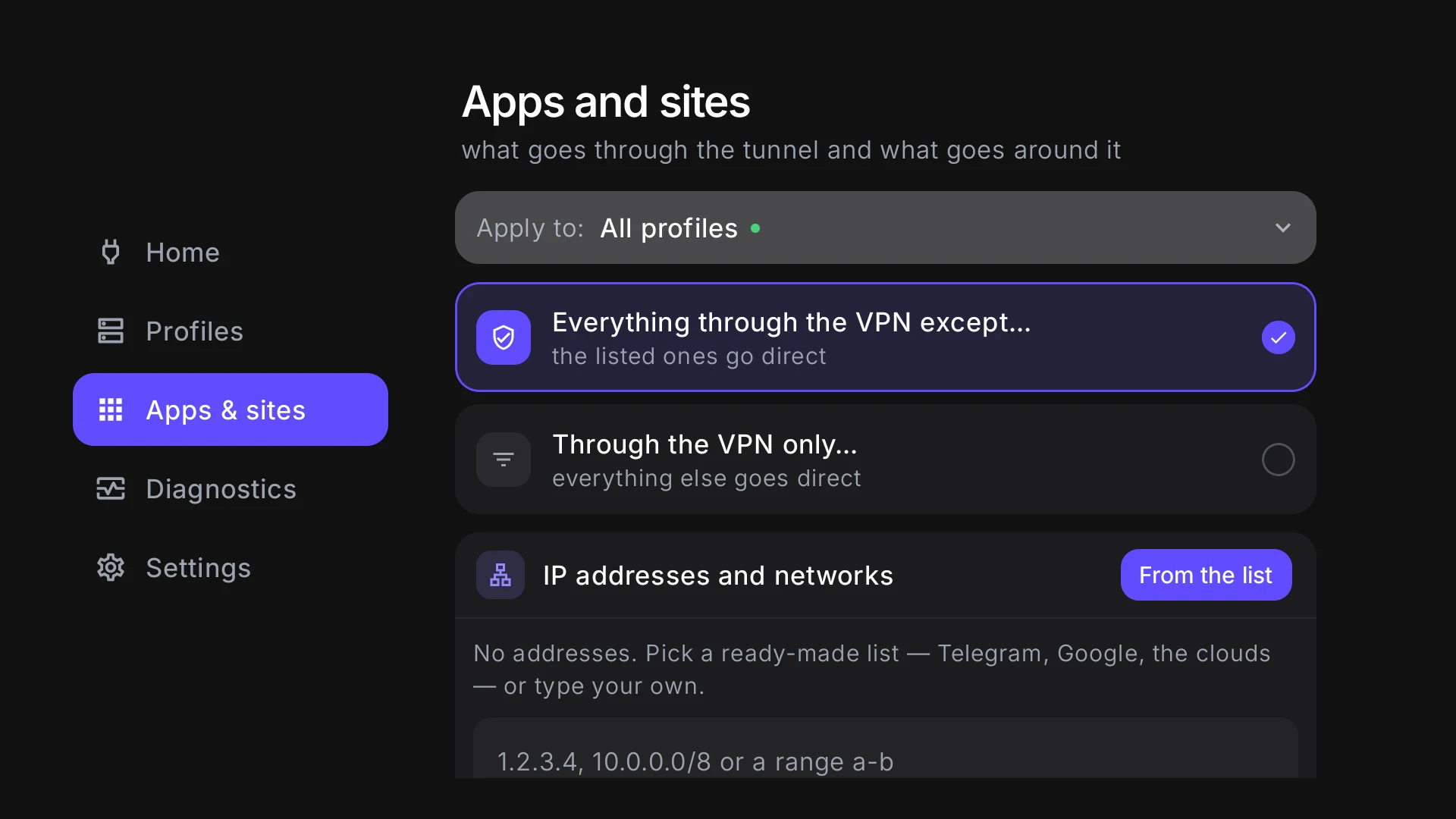
Only what you watch goes through the VPN
“Apps and sites” lists the TV’s own apps. Send a video service through the VPN and leave the rest direct.
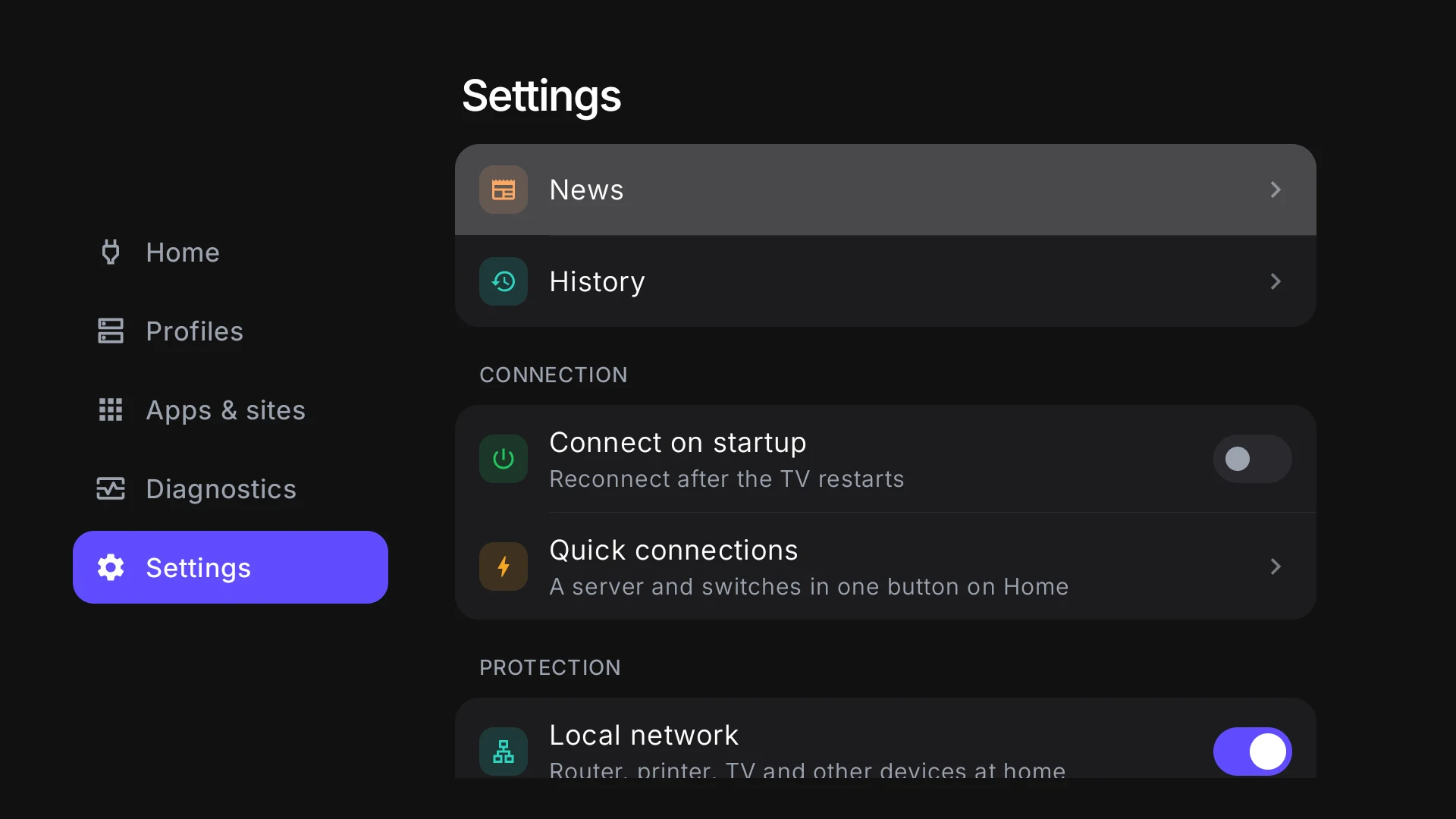
Turns on by itself
Switch on “Connect on startup”, and the VPN comes back after the TV restarts — no need to open the app.
From a phone
How it gets onto the TV
Typing a long link with a remote is no fun. Your phone sends it instead.
- 1
“From a phone”
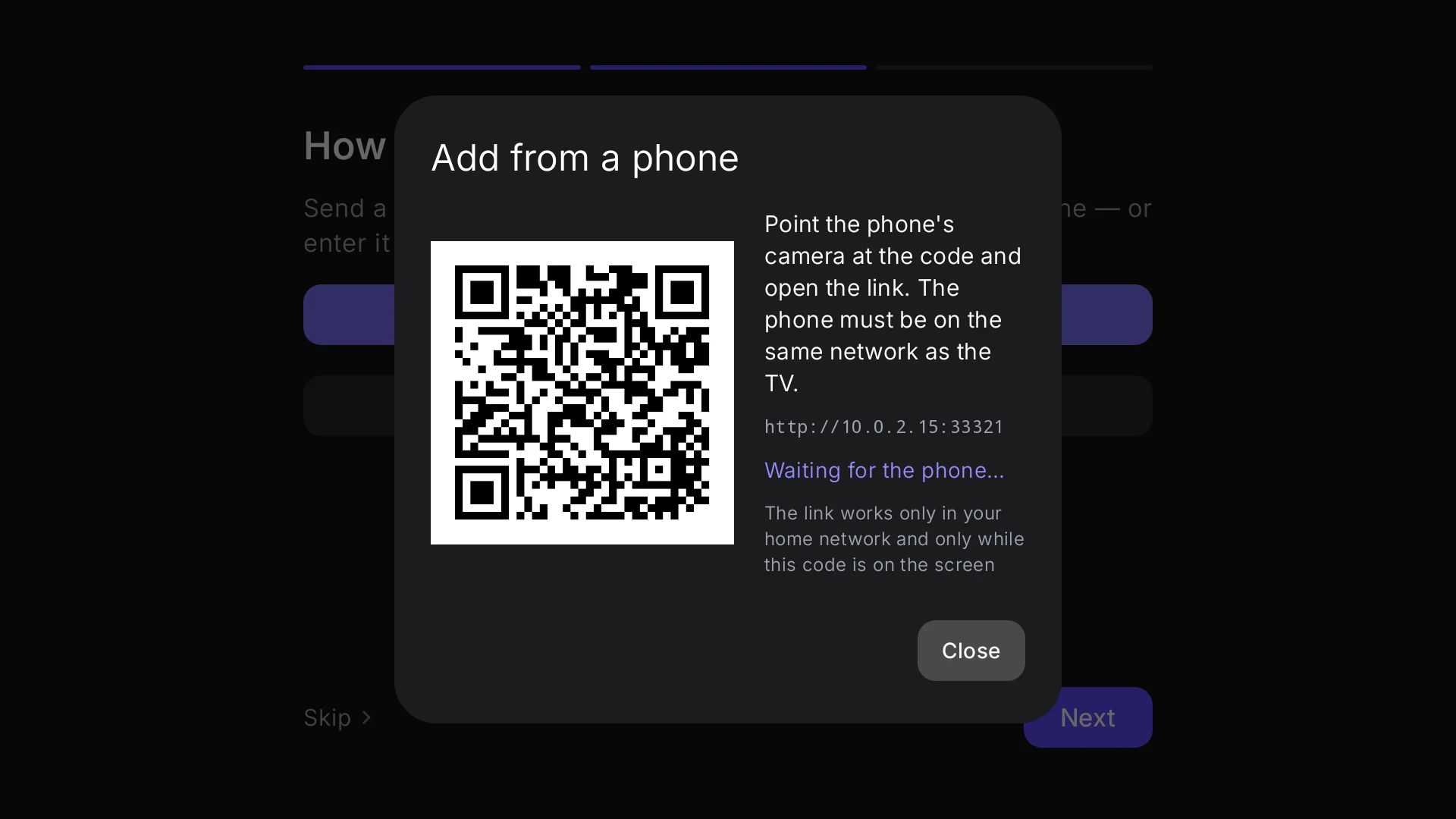
The first button on first launch and in “Add”. The TV shows a QR code.
- 2
Point your phone’s camera
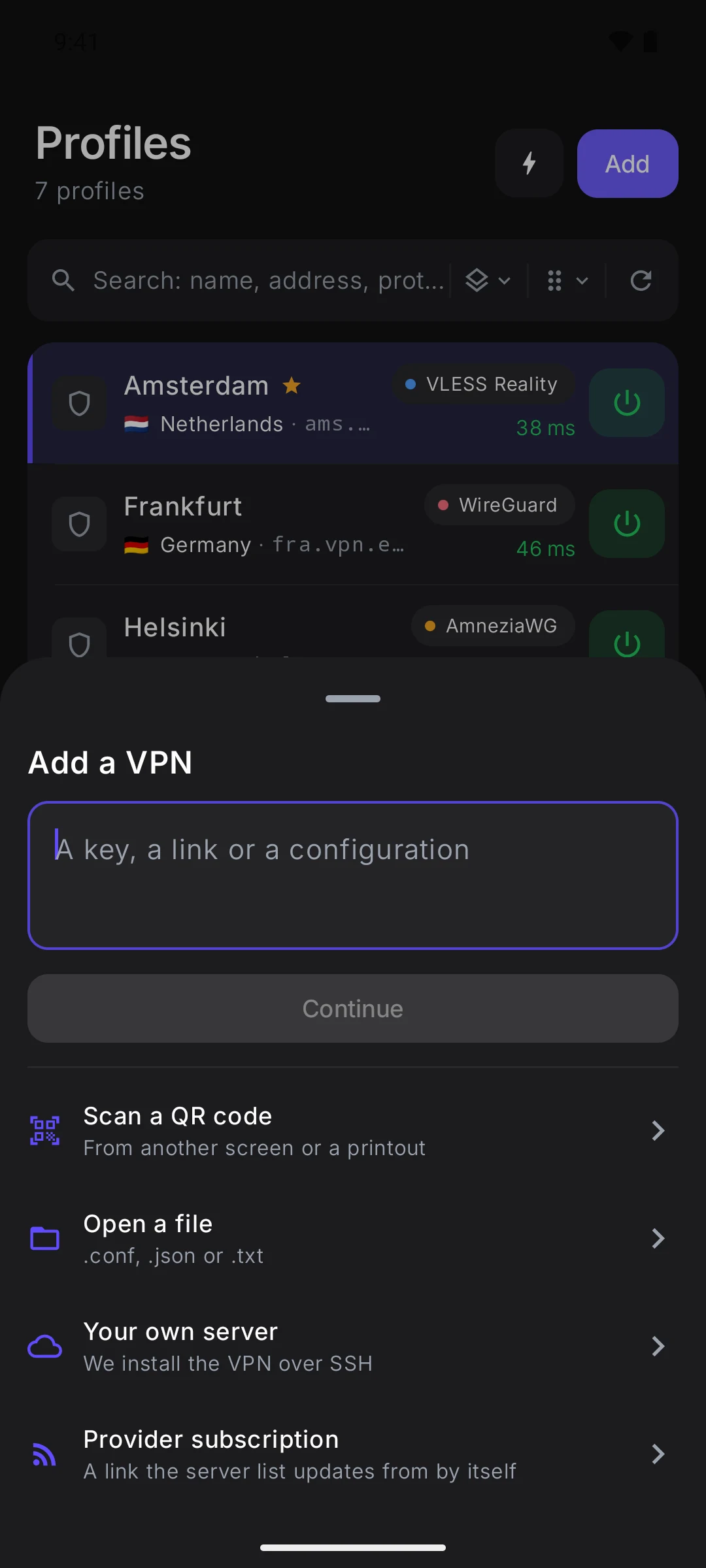
A page opens: paste a link, a key or a subscription address — or choose a configuration file.
- 3
Send
The profile appears on the TV, and the phone says whether it worked.
No phone? Use “Enter a key or a link” with the remote.
Your TV is one more device with Veli
You need Android TV 8.0 or newer. Download the app from the Download page and move it to the TV — on a USB stick or with a file-transfer app.