On this page
Do you have IPv6 at all
Look at the addresses of your network adapter. A global IPv6 address starts with 2 or 3, for example 2a02:… or 2001:…. Addresses starting with fe80 work only inside your own network and can't leak. Neither can addresses starting with fd or fc.
ipconfigLook for "IPv6 Address" lines on your Wi-Fi or Ethernet adapter. "Link-local IPv6 Address" with fe80 doesn't count.
ifconfig | grep inet6ip -6 addr show scope globalHow to check for a leak
- 1
Connect the VPN
Without the VPN a site should see your address.
- 2
See which addresses sites see
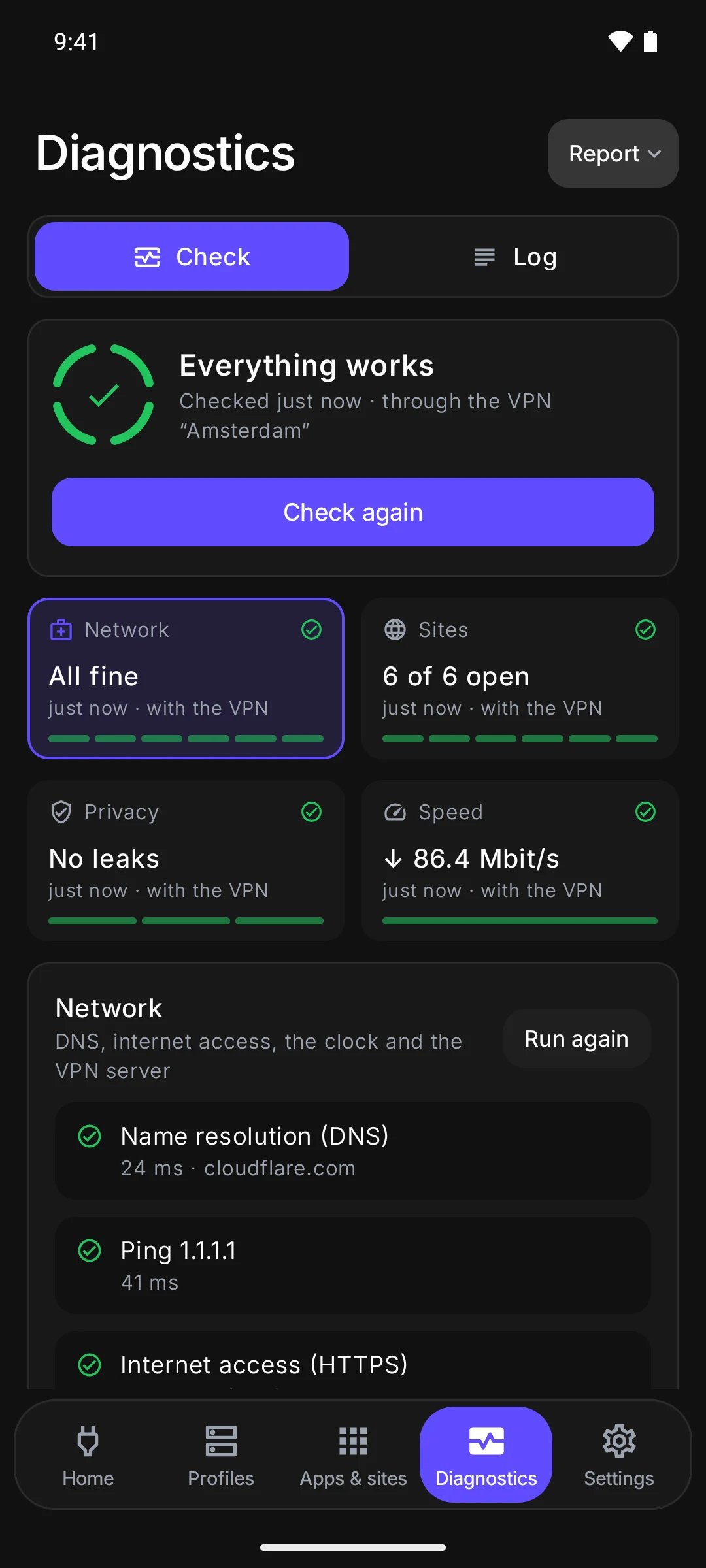
In Veli it's Diagnostics → Privacy. In a browser, any site that shows both IPv4 and IPv6.
- 3
Compare the addresses
If IPv4 is the VPN server's and IPv6 is your own, there is a leak.
Check with two commands
The first command asks for your address over IPv4 only, the second over IPv6 only. Run them with the VPN connected.
curl.exe -4 https://api.ipify.org
curl.exe -6 https://api6.ipify.orgcurl -4 https://api.ipify.org
curl -6 https://api6.ipify.orgIPv4 is the server's, IPv6 fails with "Couldn't connect"
What it meansNo leak: IPv6 is closed or you don't have it
IPv4 is the server's, IPv6 is the server's
What it meansNo leak: the tunnel carries IPv6 too
IPv4 is the server's, IPv6 is yours
What it meansA leak: IPv6 goes past the tunnel
IPv4 is your own
What it meansNot an IPv6 problem: traffic doesn't go through the VPN at all. Check the routing mode
Why IPv6 goes around the tunnel
A computer can have two addresses: IPv4 and IPv6. If the VPN carries only IPv4 through the tunnel and nobody closed IPv6, sites that speak IPv6 reach you directly and see your real address.
This is not a rare case. When both are available, browsers and systems try IPv6 first. Google, YouTube, Facebook, Netflix and sites behind Cloudflare all have IPv6, so with a leak a large part of your traffic goes past the tunnel.
How to fix it
- Use a VPN profile that carries IPv6 through the tunnel too.
- Or turn off IPv6 in the system's network settings: IPv4 is enough for most sites. Commands for each system are below.
- Or turn off IPv6 on the router: then it's off for the whole home network at once.
- After the change, reconnect the VPN and check again.
Turning off IPv6 on each system
On Android IPv6 can't simply be switched off. Some operators let you set the protocol to IPv4 in the access point (APN) settings. It's easier to check with the VPN on whether the address changed.
Disable-NetAdapterBinding -Name "Wi-Fi" -ComponentID ms_tcpip6Put your adapter's name instead of Wi-Fi: Get-NetAdapter lists them. To turn IPv6 back on, run the same command with Enable-NetAdapterBinding. Without a command: adapter properties → untick "Internet Protocol Version 6 (TCP/IPv6)".
networksetup -setv6off Wi-FiBack on: networksetup -setv6automatic Wi-Fi. For a cable connection, put the service name from networksetup -listallnetworkservices.
sudo sysctl -w net.ipv6.conf.all.disable_ipv6=1This works until a reboot. To keep it, put the same line without sudo sysctl -w into a file in /etc/sysctl.d/.