خبرفريق Veli1 دالكمبيوترAndroidAndroid TVالخوادم
Veli 1.16: your own server without our site
What's new in 1.16:
- Your own server: the Veli server program now comes inside the app on the desktop, Android and Android TV, so installing Veli doesn't download anything from our site. It works where velivpn.com doesn't open
- Connecting doesn't spin silently anymore: you see the reason under the button, a countdown and "Cancel". If it doesn't work out in 100 seconds (3 minutes after a drop), the app stops and tells you why
- Own server installs say what they're waiting for: the package lock, downloads, repository lists, DNS. "Cancel" stops the downloads right away and puts the server back as it was
- "Report a problem" opens an issue on the site with the app's report already in it. Server addresses, your IP and profile names are replaced, keys and links never get there
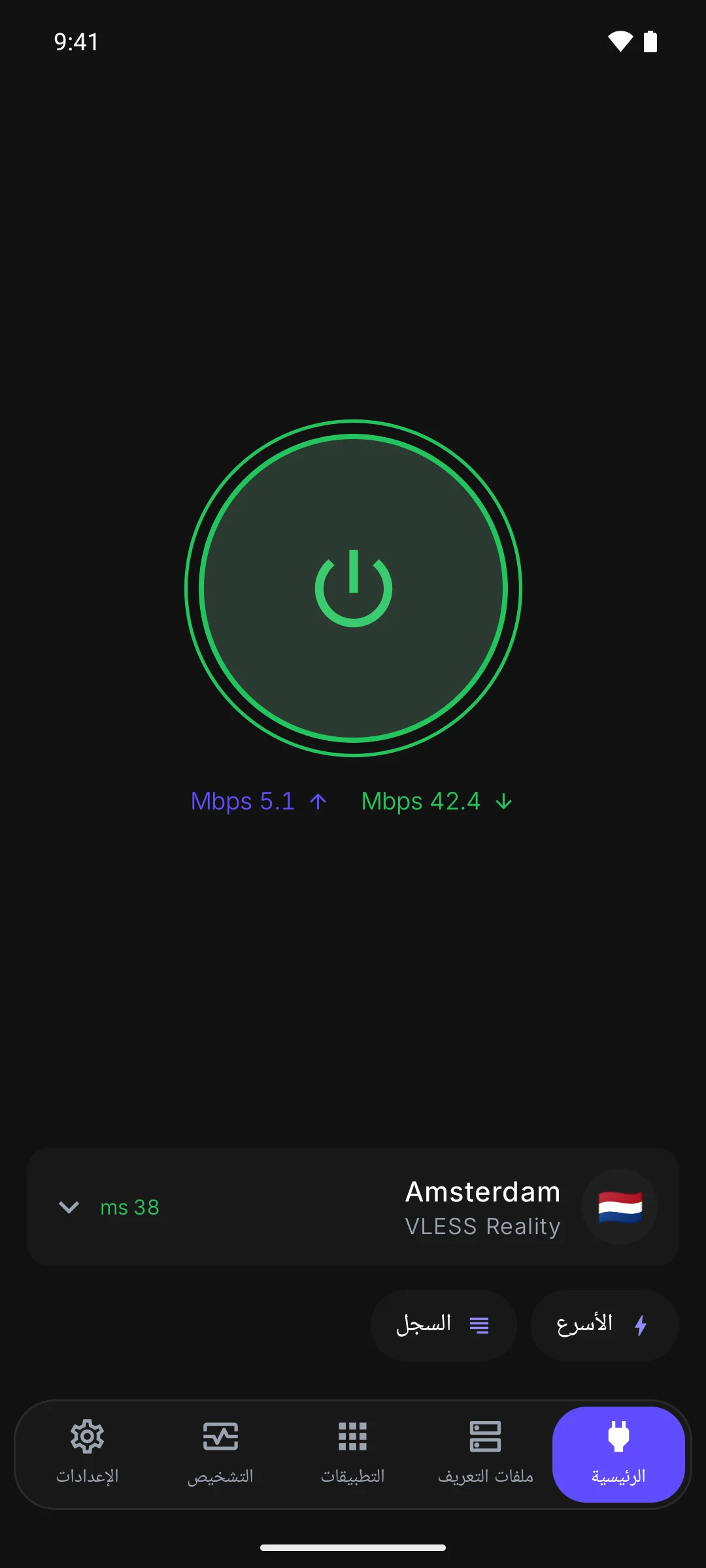
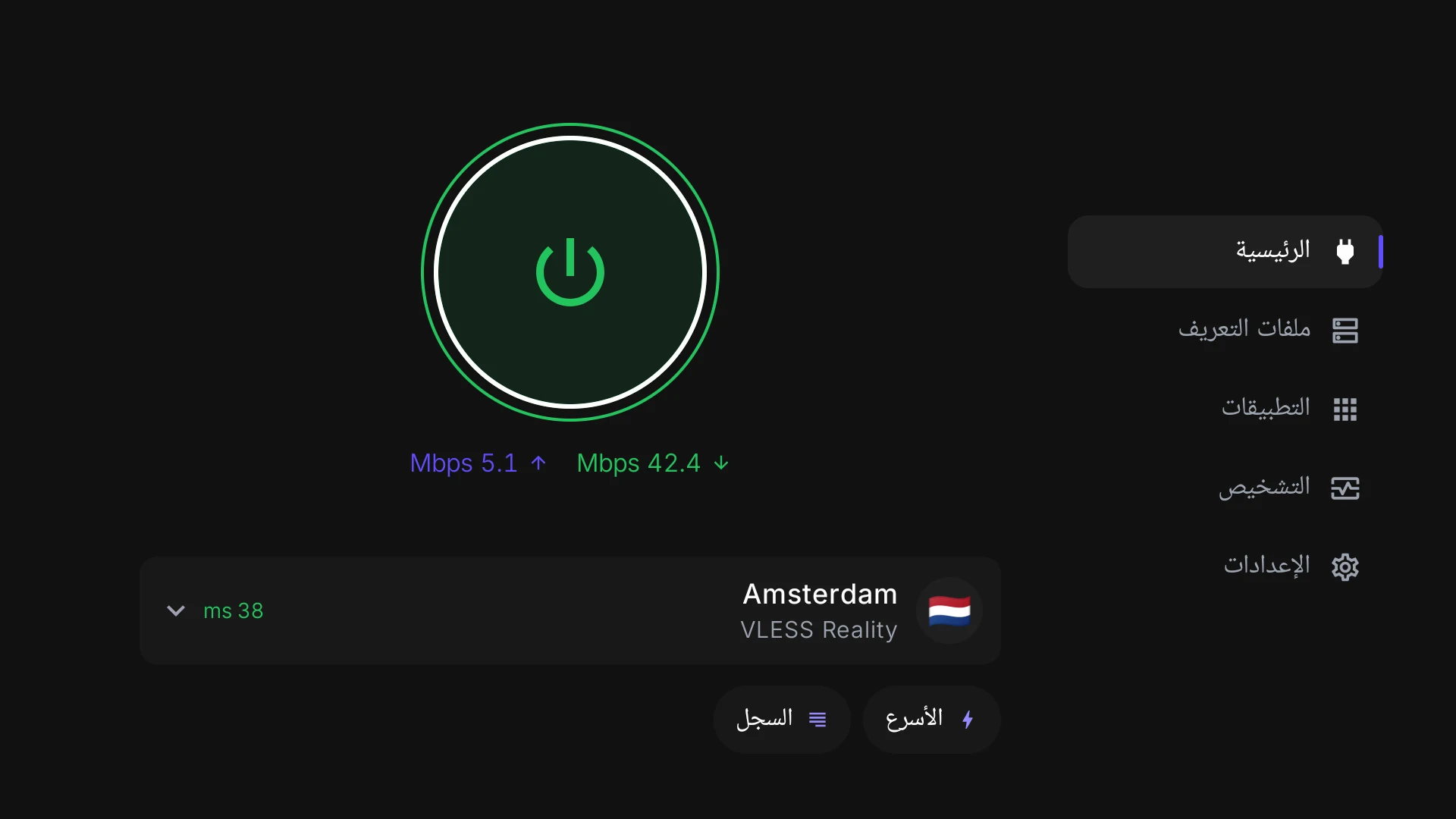
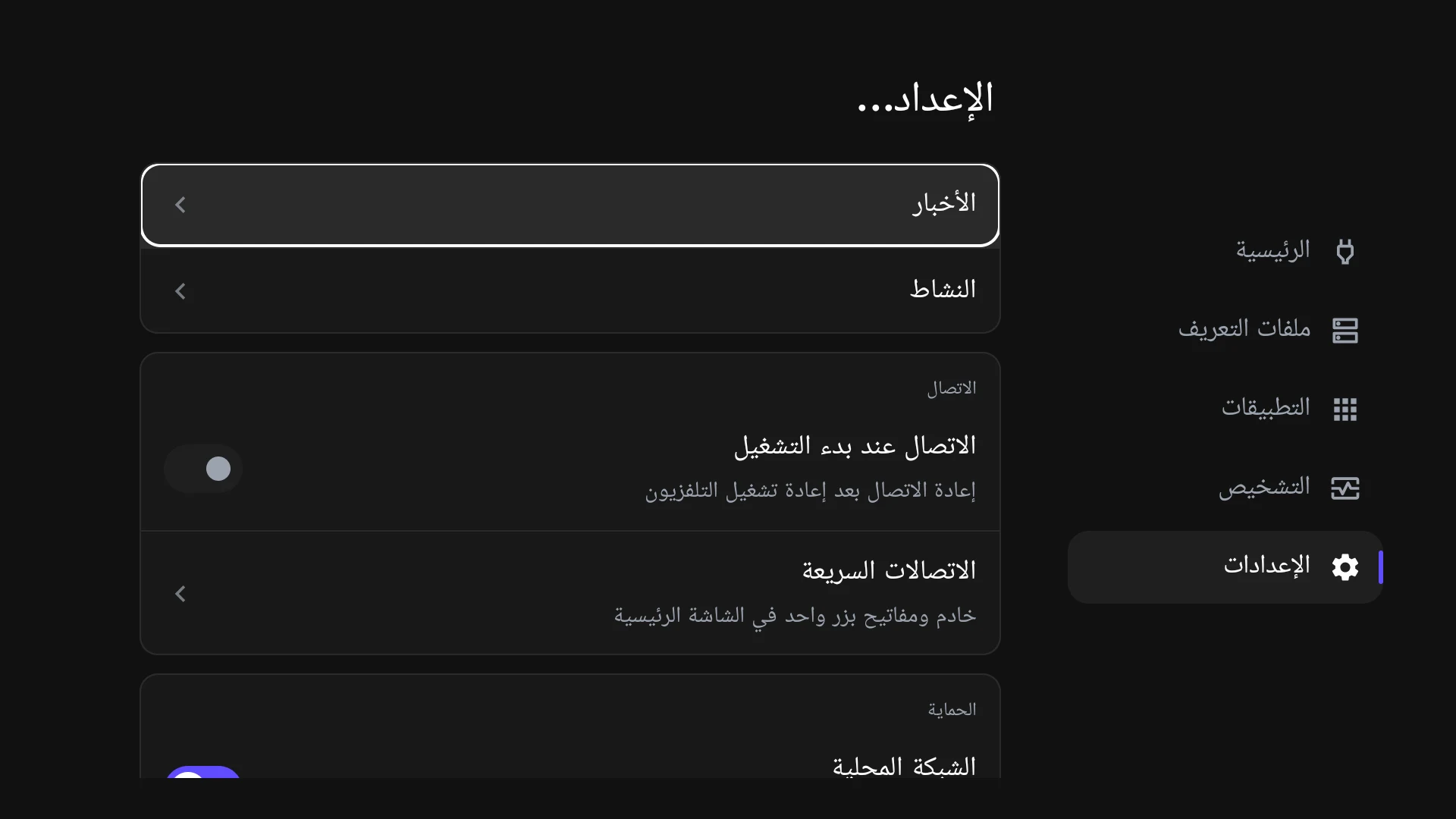
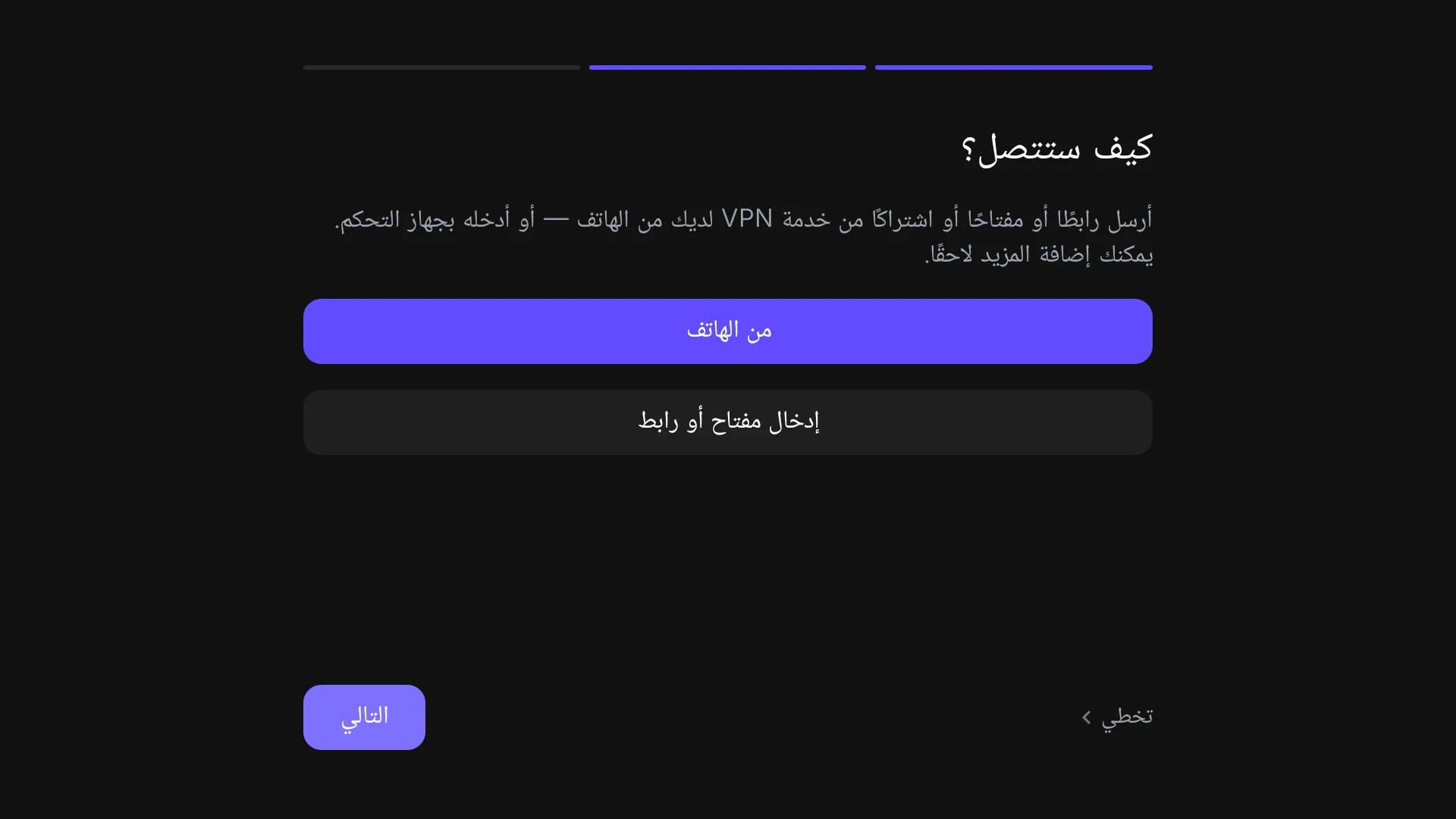
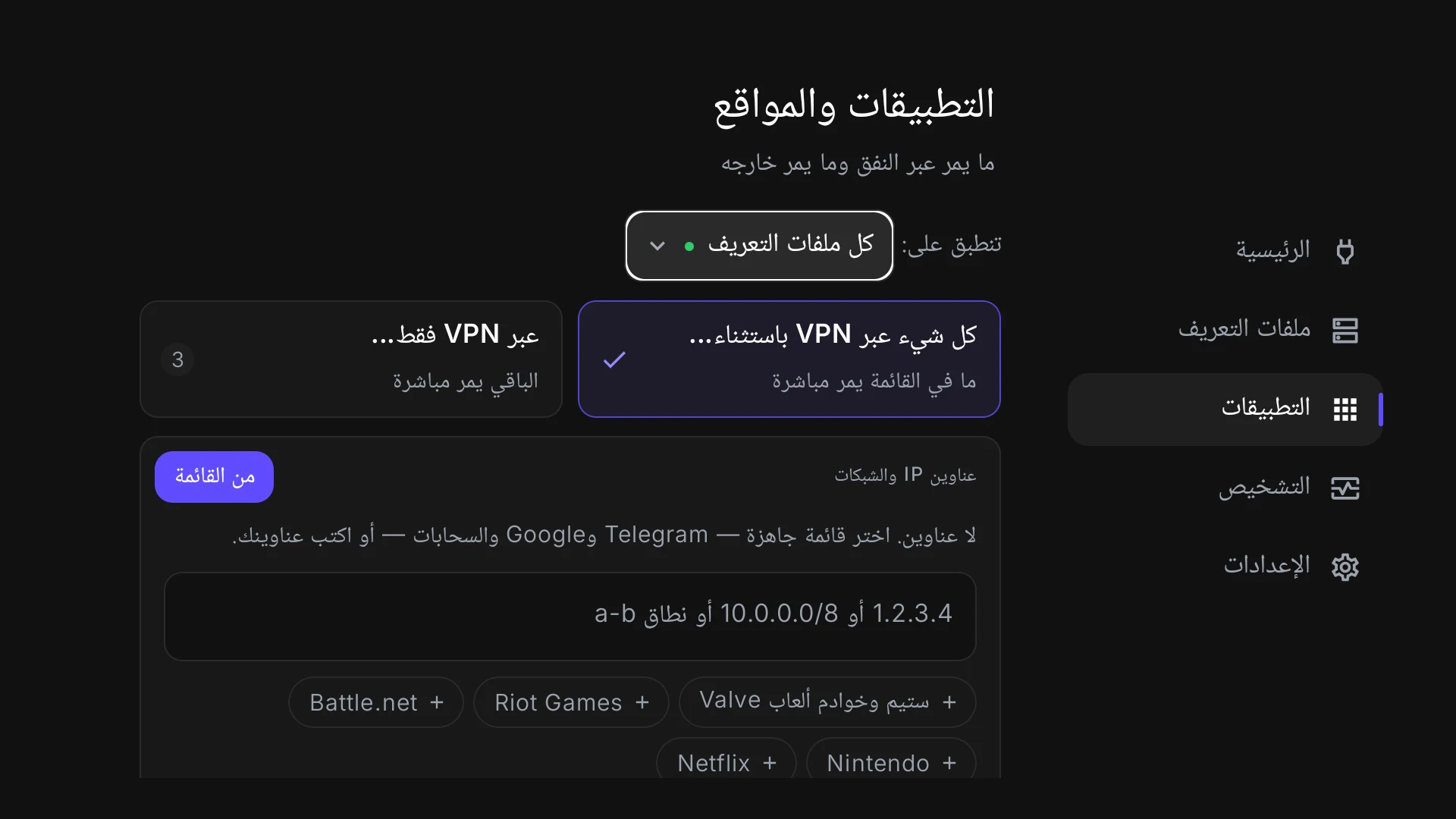
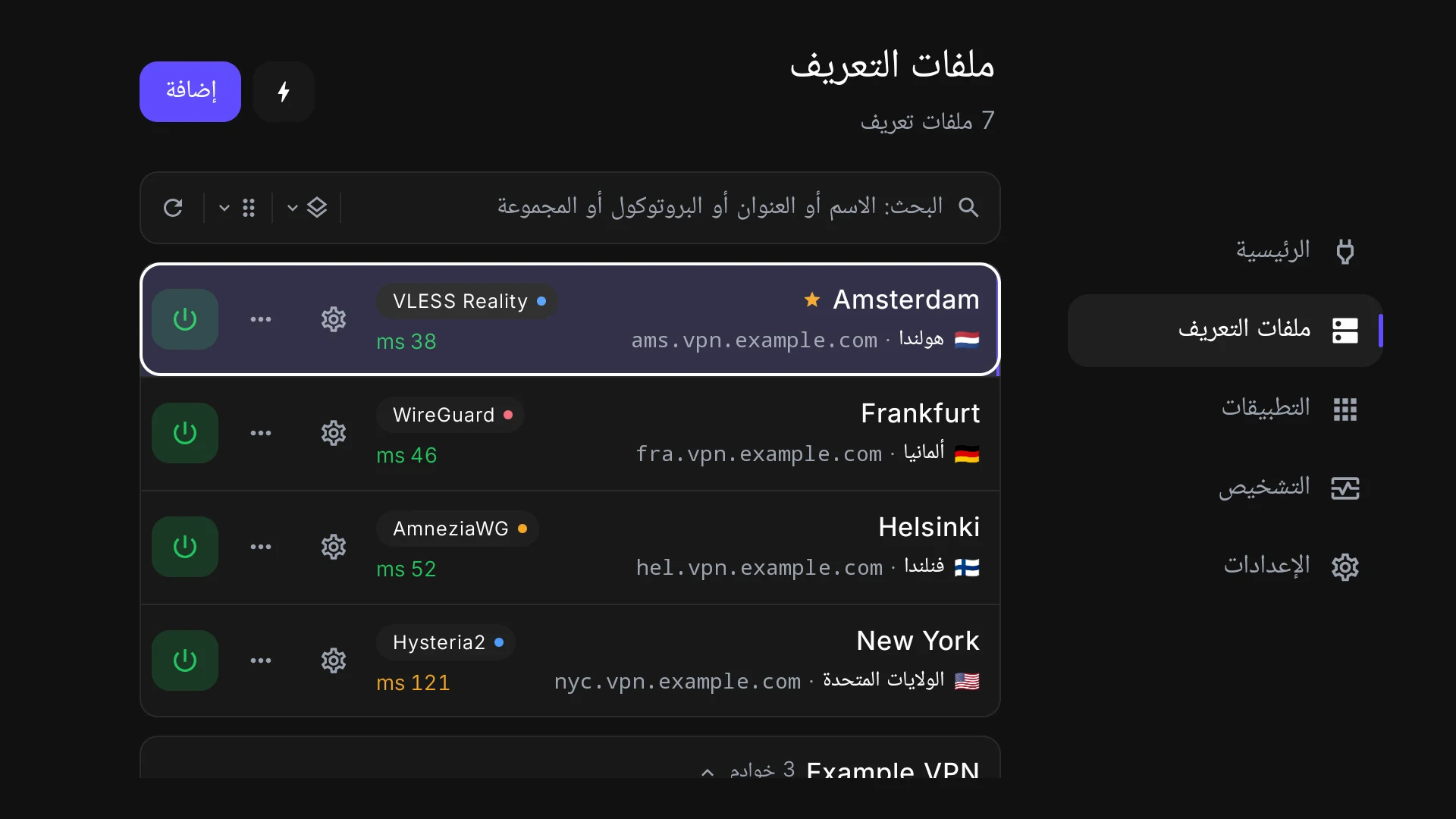
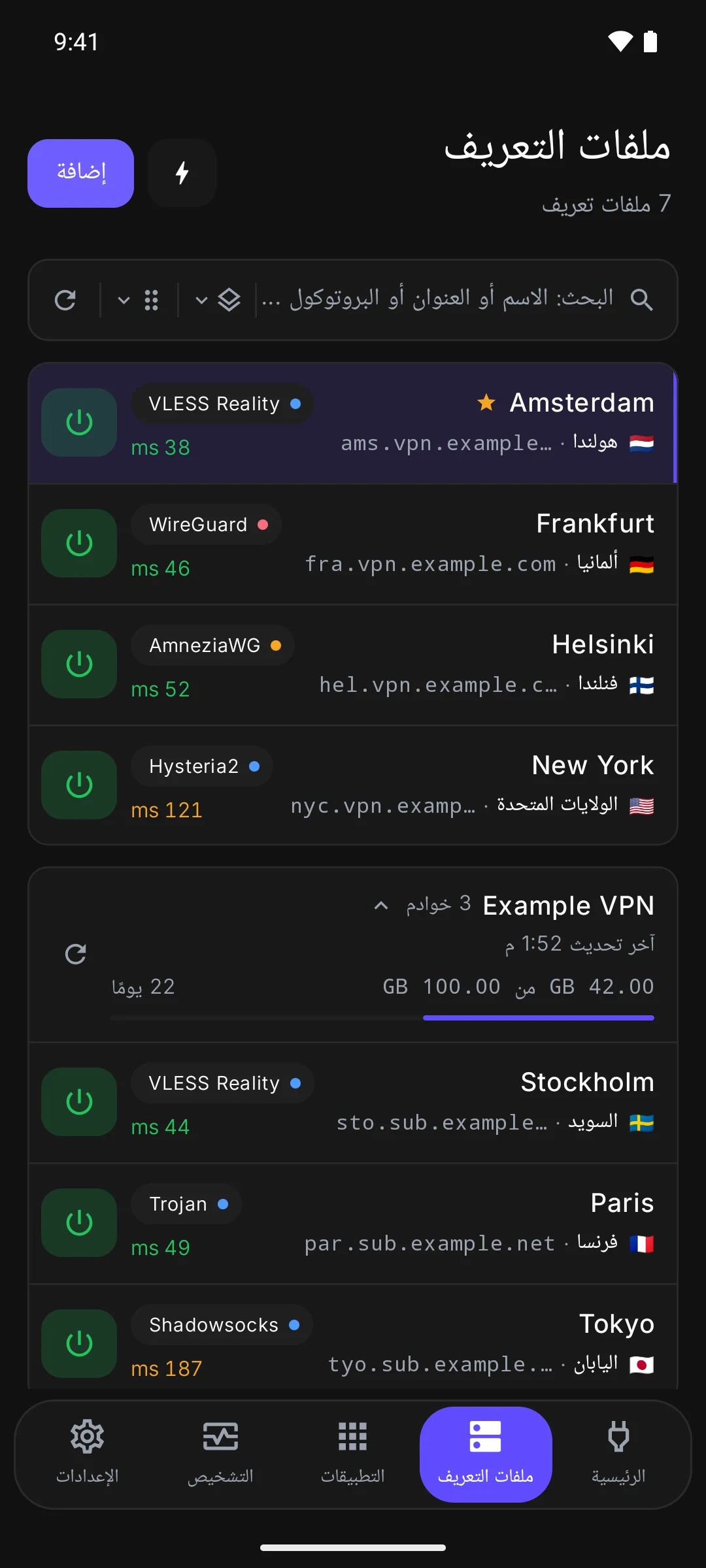
- New look: sections in frames, calm buttons, and no first-run window. While there are no profiles, Home shows "Add a VPN" right away
- The kill switch comes up at once even with slow DNS. Before, traffic could go around the VPN for up to 20 seconds
- Android, Android TV and the desktop app share one version number now, so they're all 1.16.0